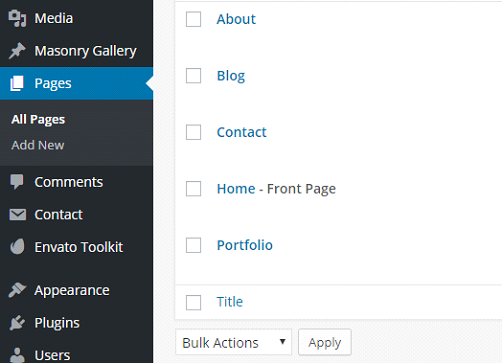
If you wish to use Angled Sections on the Bridge theme, you should first pick a page you want to utilize this effect on:
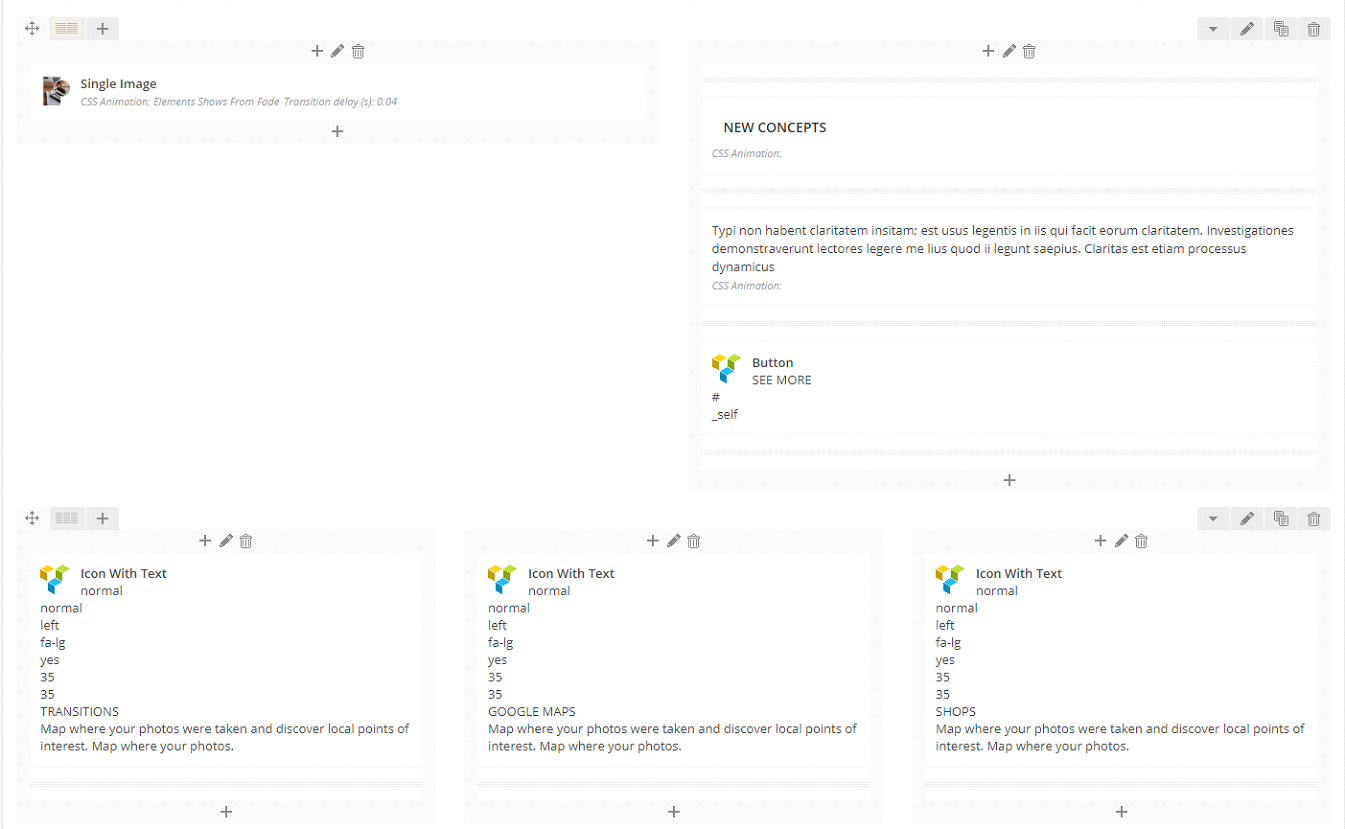
Now you will see all the sections separated by rows.
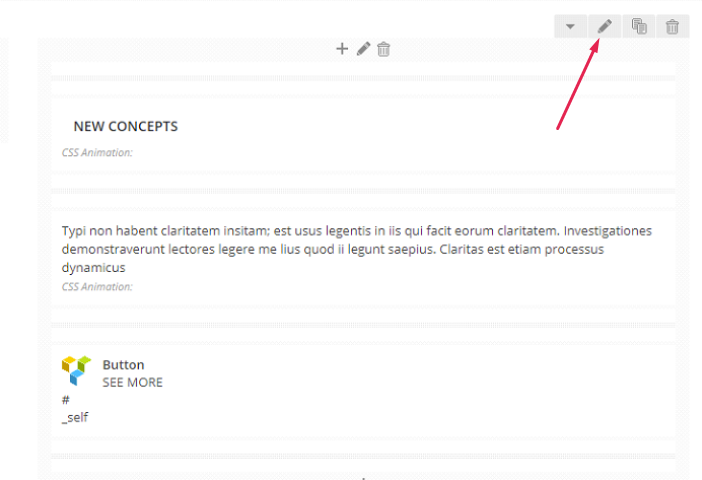
Each row has a pencil icon attached to it, and you should click this.
At this stage a new pop-up will appear and there you will find all the required settings and adjustments.
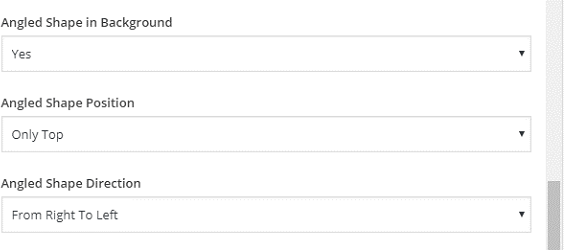
- First off you can choose whether you wish to use a colorful angle shape or not.
- Then you can choose where you want to add an angled shape; the top, on the bottom of a section, or on one of the sides.
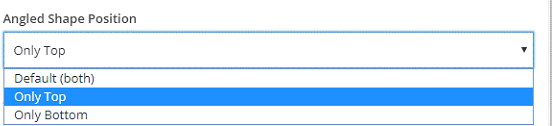
- And lastly, you can choose a direction of the shape.
