The default WordPress option when it comes to uploading your user avatar is Gravatar.
Simply head on to http://en.gravatar.com/ register (remember to use the exact same email address as the one you used for your website) and here you can upload the avatar you wish to use. The avatar will be pulled directly from Gravatar, as opposed to from your media library.
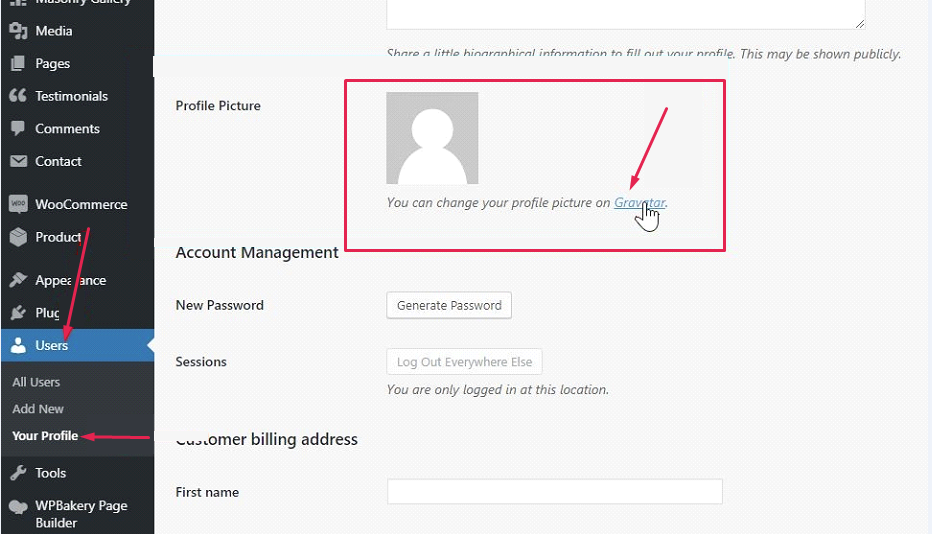
As shown on the screenshot below, you can also click the Gravatar link located within the Your Profile option.
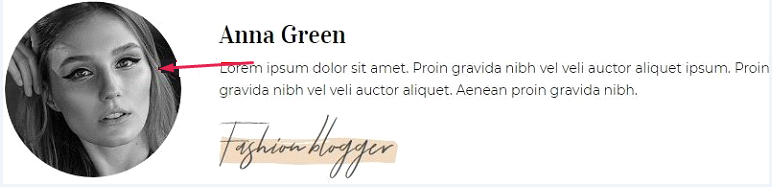
The avatar is an image which appears next to your name on most sites, e.g. when you leave a comment or write a review.
Gravatar is a free service for all users and it is integrated with every website built using the WordPress.com platform.
For more on the workings of Gravatar, follow this link.
The image below shows the form for creating a new account on Gravatar:
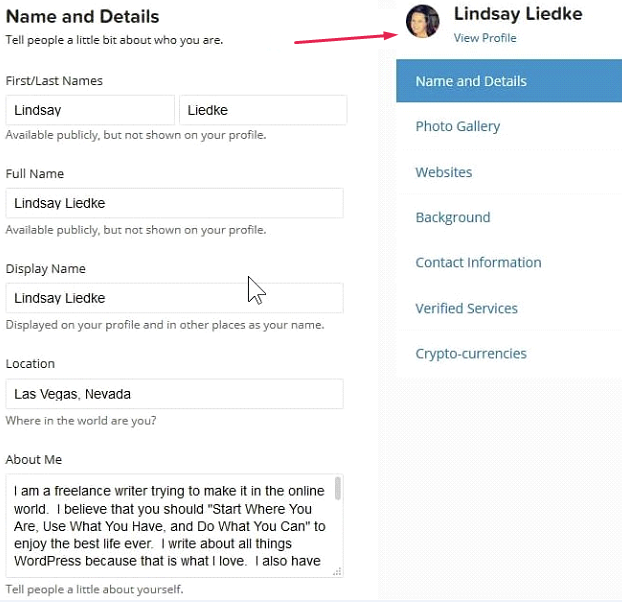
After you’ve registered and set your account up, you have effectively created your avatar which will look something like this on every WordPress based website:

The name and the avatar (the image) will be automatically added to every comment you leave as long as you’re logged into Gravatar.
You can also use a 3rd party plugin to add your user avatar.